

“Acceptance of package pending” means the shipping carrier (often USPS) has a record of your shipment, but has not given it the first official scan confirming physical possession and processing. For businesses using 3pl warehousing services, this status can show up after label creation, bulk handoff, or pickup timing.
Quick Rundown
What You Should Know
- Most shipments update within 24–48 hours.
- Weekends, cutoffs, and bulk drops can delay updates to 3–5 business days.
- No scans after 5+ business days is a red flag.
- Tracking is usually reliable once the status shows “Accepted.”

What Does “Package Acceptance Pending” Mean?
This status is a tracking placeholder. The carrier has your shipment information in its system, but it has not recorded the first official acceptance scan that confirms the package is physically in the carrier’s custody and being processed.
That gap is common when a label is created ahead of the handoff, or when packages enter the network in bulk and individual pieces are not scanned right away.
For businesses, the practical takeaway is simple: the tracking number is active, but the shipment has not hit the “starting line” scan that typically triggers more reliable movement updates.
Once the package is scanned at a post office, dock, or processing facility, the status generally changes to “Accepted” and tracking becomes more consistent.
How Long Does Package Acceptance Pending Take?
In many cases, this status clears within 24 to 48 hours once the package gets its first acceptance scan at a post office, dock, or processing facility.
If your shipment was handed off late in the day or after a cutoff time, it may not update until the next business day.
During busy periods, backlogs can slow intake scanning, so it may take more than two days before the status changes, even when the package is already moving through the system.
For example, during the 2024 peak season, USPS missed some on-time delivery goals in part because it under-forecasted package volume growth, which can contribute to slower scans and updates.
When It Can Take Longer (3 to 5 Business Days)
USPS processed 7.3 billion shipping and package pieces in 2024, and high-volume surges can slow intake scanning. Package acceptance pending can last longer when:
- The handoff occurred right before a weekend or holiday.
- The package is traveling as part of a consolidated tender.
- A facility is operating under peak-volume conditions.
When It’s a Red Flag (5+ Days With No Movement)
If package acceptance pending lasts beyond five business days with no scans, treat it as an exception. At that point, it is reasonable to investigate whether the package was actually tendered, whether the label is scannable, or whether the parcel was separated from the intended outbound stream.
Package Acceptance Pending vs. Accepted vs. In Transit
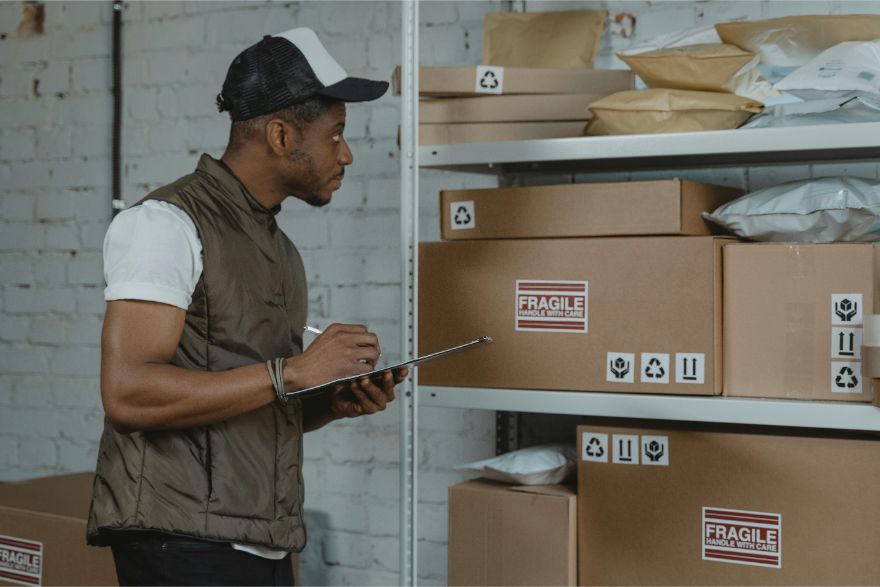
These three tracking messages describe different points in the USPS workflow. The key difference is whether USPS has confirmed physical custody and whether the package is actively moving through the network.
- Acceptance Pending: The tracking number exists, but USPS has not posted the first acceptance scan for that package yet, so updates may look delayed.
- Accepted: USPS has scanned the package and confirmed it is in their possession, which usually triggers more consistent tracking.
- In Transit: The package is moving between USPS facilities, and scans show up at major checkpoints rather than every step.
How to Fix or Prevent “Acceptance Pending” Delays
Most “acceptance pending” issues come down to handoff timing, bulk entry processes, or scanability. These steps help you confirm what happened and reduce repeat delays.
Step 1: Confirm the Package Was Actually Dropped Off or Picked Up
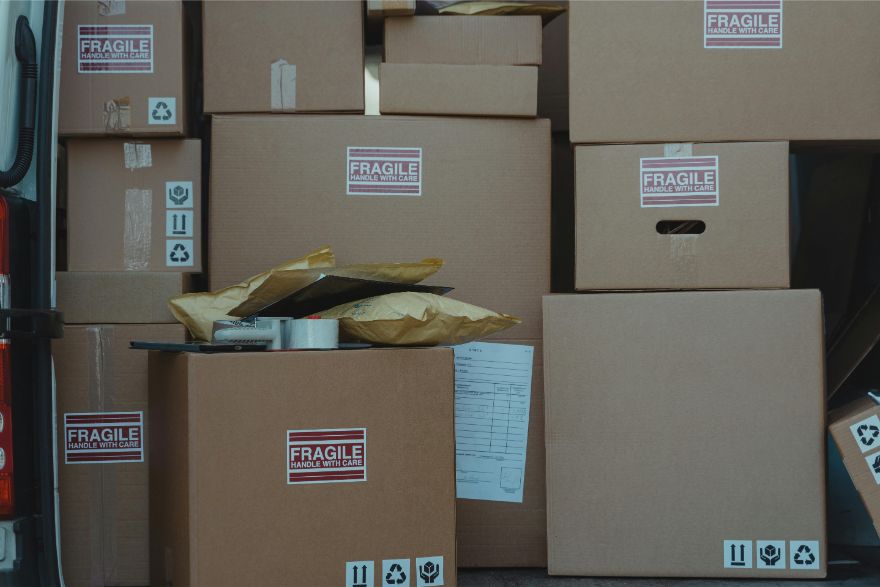
Start with proof of handoff. Check your pickup log, dock receipt, or driver sign-off so you know the shipment physically left your control.
Then reconcile your outbound count against the labels you created. If 120 labels printed but only 118 cartons left the staging area, you’ve likely found the issue.
Step 2: Check for a Manifest Scan (If Shipping in Bulk)
If you ship in volume, verify whether you use manifests, end-of-day closeouts, or bulk acceptance. In those workflows, the carrier may acknowledge the batch before scanning each package.
That means tracking can stay quiet until the next facility sorts and scans pieces individually.
Step 3: Validate Label Quality and Placement
Scan delays often happen when barcodes are hard to read. Look for wrinkling, glossy tape over the barcode, smudged ink, or labels placed across seams or corners.
If anything looks questionable, reprint the label and apply it flat on a clean, smooth surface.
Step 4: Wait One Full Business Day Before Escalating
If the handoff happened late in the day or close to a cutoff time, allow a full business day for the next intake scan to post.
This prevents unnecessary escalations when the shipment is simply waiting for the first facility scan.
Step 5: Contact the Carrier With the Right Details
If there’s still no scan after a reasonable window, reach out with specifics so they can investigate quickly:
- Tracking number
- Tender date and time
- Pickup confirmation or drop-off receipt
- Entry location and any manifest or batch references
Frequently Asked Questions (FAQs)
What does it mean when USPS says package acceptance pending?
It means USPS has the tracking information, but your package has not received its first official acceptance scan yet. Until that scan happens, tracking may look stuck even if the shipment is already staged or moving in a bulk load.
What does “Shipment Received, Package Acceptance Pending” mean?
It usually means USPS is aware of the shipment and may have received it in a batch, but your specific package has not been individually scanned as accepted yet. It typically updates once the package is sorted and scanned at the next facility.
Does "pending" mean accepted?
No. “Pending” usually means the carrier has the shipment information (label created or shipment notice) but has not completed the first acceptance scan confirming they physically have the package.
Will I get my money back for a pending transaction?
Maybe, but this is a payment issue, not a shipping status. A pending card transaction typically finalizes or drops off; if it posts incorrectly, your bank or card issuer handles refunds or disputes based on their timelines and policies.
What does acceptance mean in delivery?
“Acceptance” is the first official carrier scan showing the package is in the carrier’s custody and processing has started. After acceptance, tracking updates and delivery estimates are usually more reliable.
Get Shipping and Storage Support for White Plains Businesses
If your business is relocating, consolidating inventory, or coordinating time-sensitive moves in White Plains, NY, shipping visibility issues like package acceptance pending often show up alongside bigger operational shifts.
Commercial Movers By Best supports White Plains businesses with commercial moving coordination and logistics planning so transitions are organized and downtime is minimized.
Learn more about our services and call us today.